
https://raw.githubusercontent.com/OrcVole/cognee-cloudron/main/CloudronVersions.json
Description
1.6.2
Cognee
Cognee is an open-source memory layer for AI agents. It turns documents, conversations and other data
into a knowledge graph together with a vector index, so an agent can recall facts and how they relate.
Add data through the web interface or the REST API, build the graph with cognify, and query it by
chunk search, by graph search, or by asking a question and getting an answer drawn from the graph.
This package runs the API and the web interface behind one address. PostgreSQL comes from the platform; the graph store (Kuzu) and the vector store (LanceDB) are files in the app's data directory, so they are covered by the platform's backups.
A language model is optional. With none configured, Cognee extracts entities with a small local model
(about 784 MB) and embeds text with another (about 67 MB). Both download the first time they are used,
not at install, and are kept in a persistent directory that is left out of backups. Chunk search works this way. Answer-style searches
and richer graph extraction need a language model: point Cognee at any OpenAI-compatible endpoint with
the LLM_* and EMBEDDING_* settings described in the post-install notes.
Sign-in is by email and password only. There is no single sign-on, no mail is sent, and there is no password reset by email: an administrator with access to the app resets passwords. Self-registration is closed, and telemetry is off.
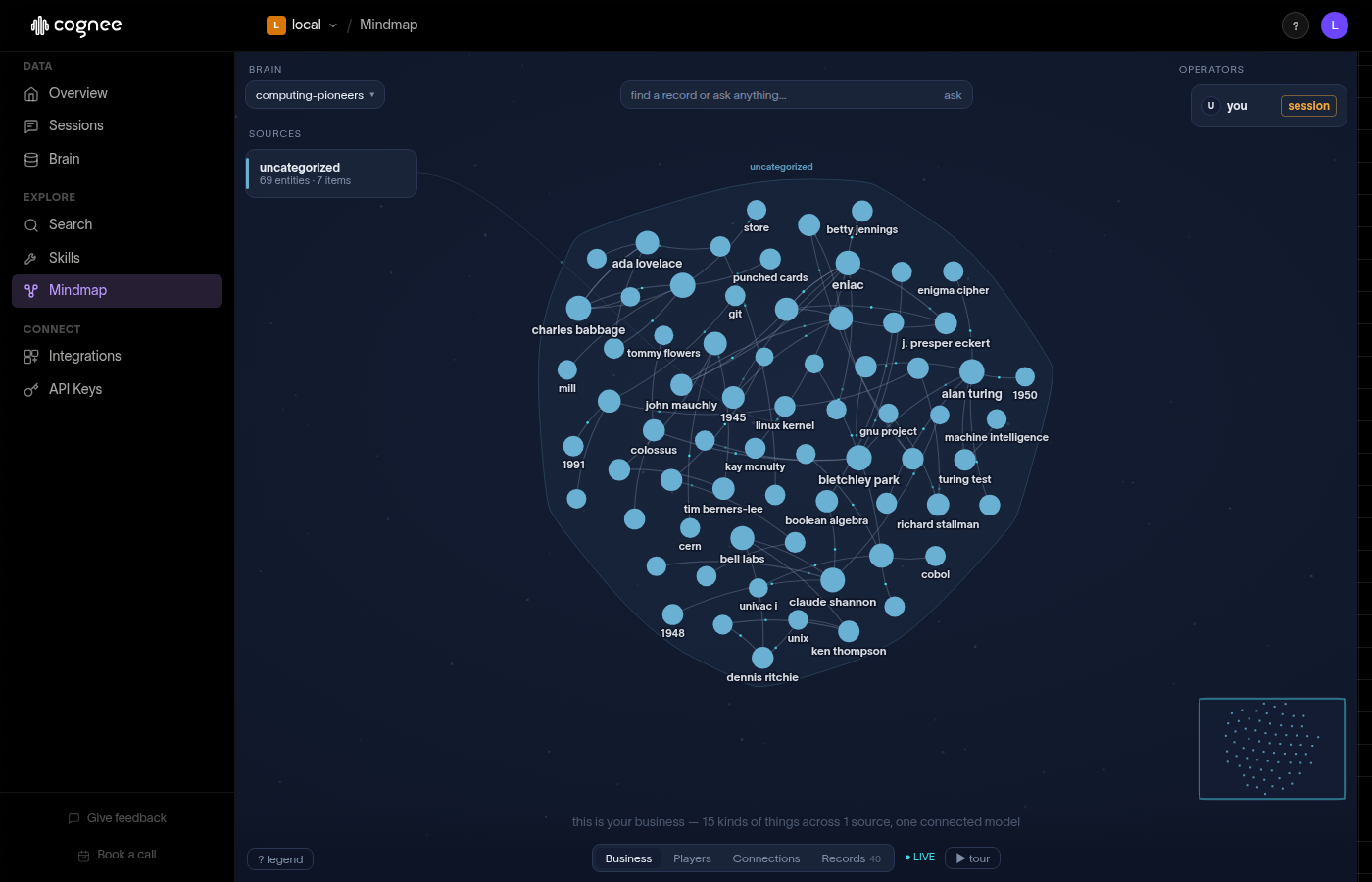
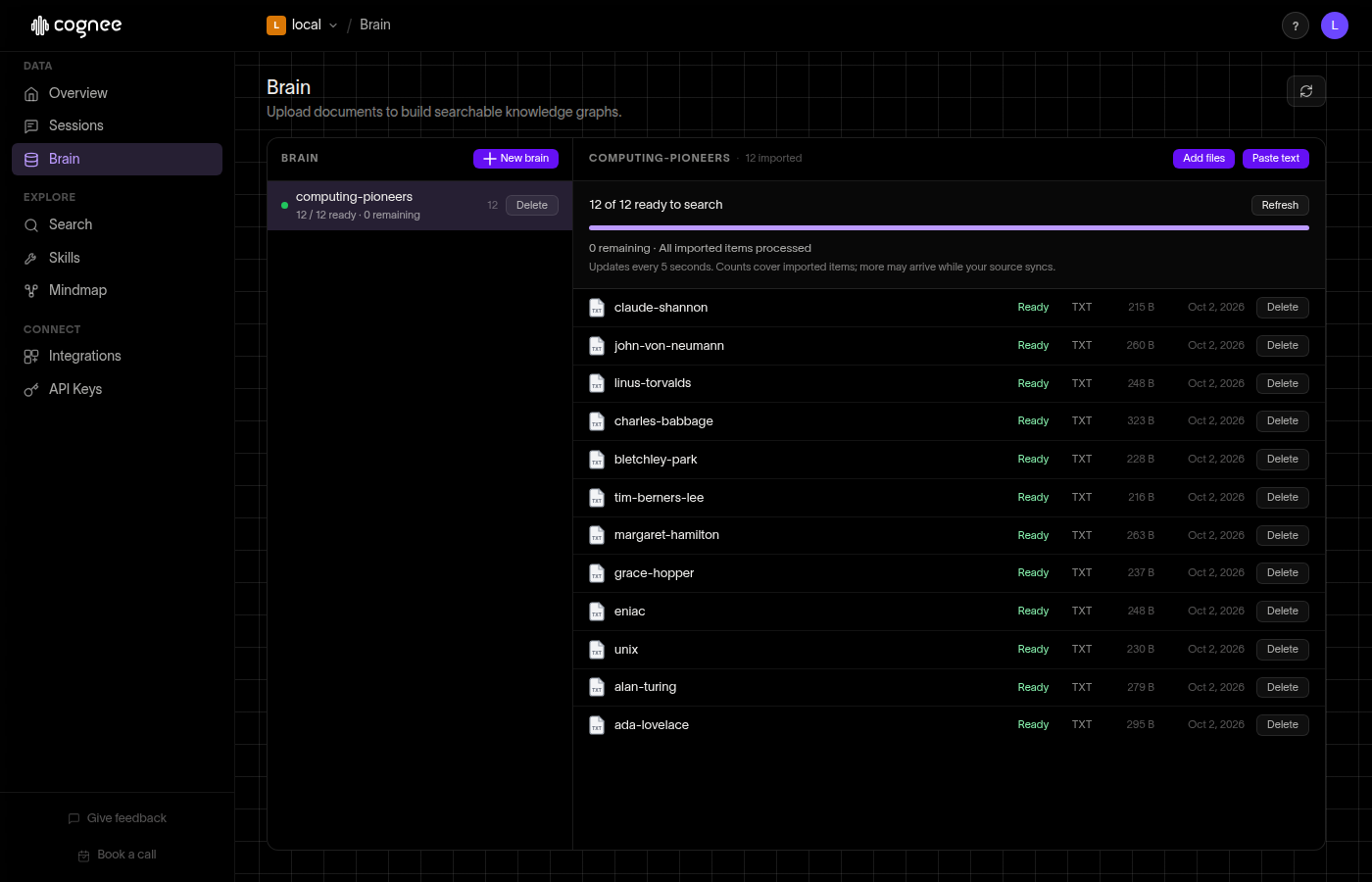
The web interface is upstream's open-source one. Its Overview panels are marked as Cognee Cloud features and stay empty; the Brain, Search and Mindmap pages are the useful ones.
Recent Changes
First release: Cognee 1.6.2 (upstream release v1.6.2, commit ba3631f), built on cloudron/base 6.0.0.
API and web interface behind one address; PostgreSQL from the platform, graph and vector stores as files
in the data directory.
Sign-in by email and password. Self-registration is closed and telemetry is off. The three signing
secrets and the administrator password are generated once and kept in the data directory.
The local extraction and embedding models download on first use into a persistent directory that is left
out of backups. A language model is optional and can be any OpenAI-compatible endpoint; with one, and an
embedding endpoint, neither local model is fetched.
set-admin-email.shrenames the administrator safely.